
Editorial Board free
Manage your Ghost publication's schedule.
The Editorial Board helps you keep your ideas, drafts, and scheduled work synchronized and in one place. Calendar vs Kanban? Hard choice.

The problem
Two records of the same work, and only one of them is true.
Ghost knows about posts. It doesn't know about plans — the piece that's been promised, the interview that hasn't happened, the explainer somebody will start on Monday. So the plan goes somewhere else, and from that moment you're keeping two records of the same work: one that publishes the site, and one that tells everyone what's coming.
The second record is only accurate on the day somebody remembers to update it. A post gets scheduled and the spreadsheet never hears about it. A draft goes back for revisions and the shared doc still says it's ready. Nobody was careless, but everyone was busy.
See it
The same work, four ways to look at it.
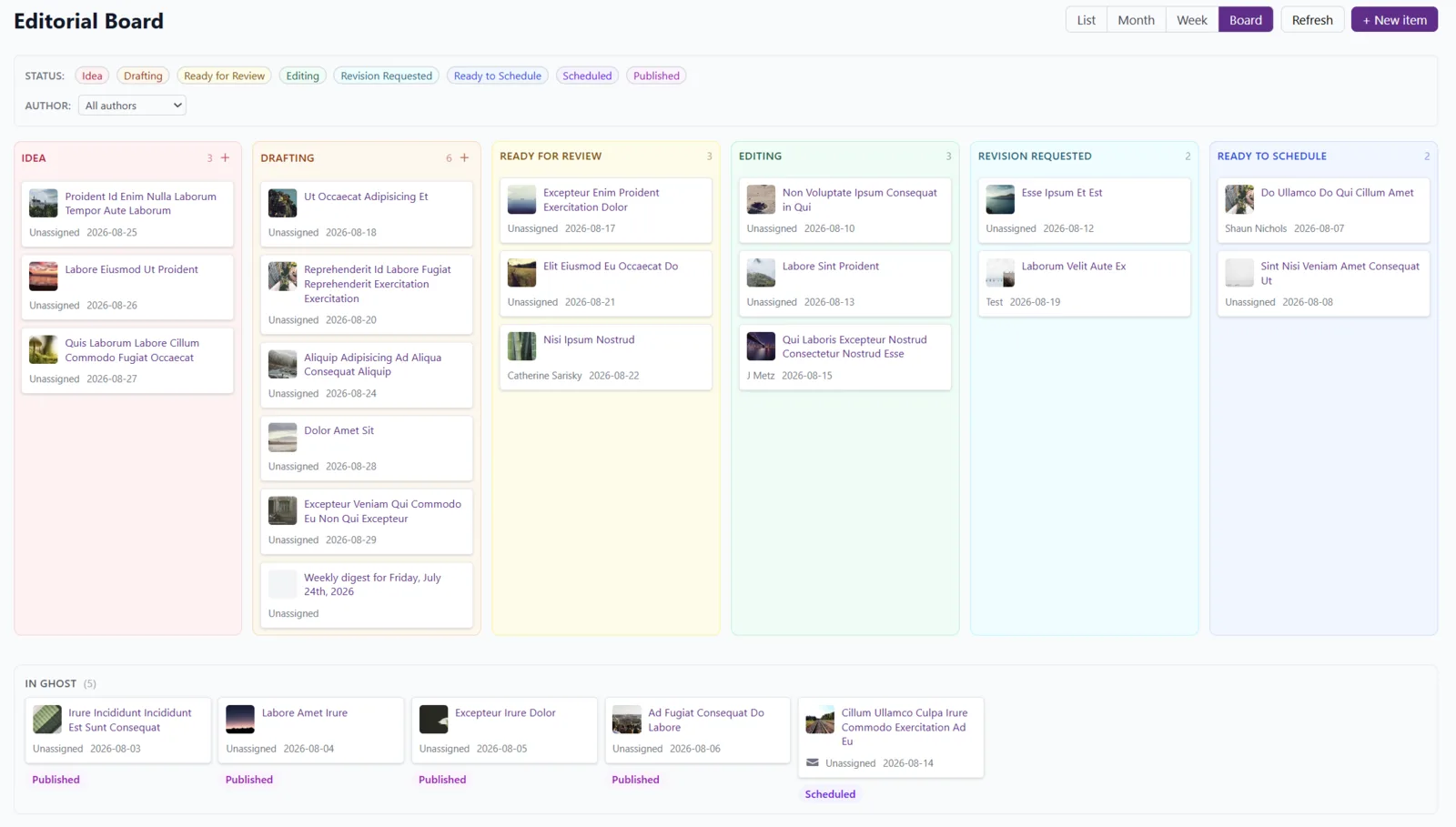
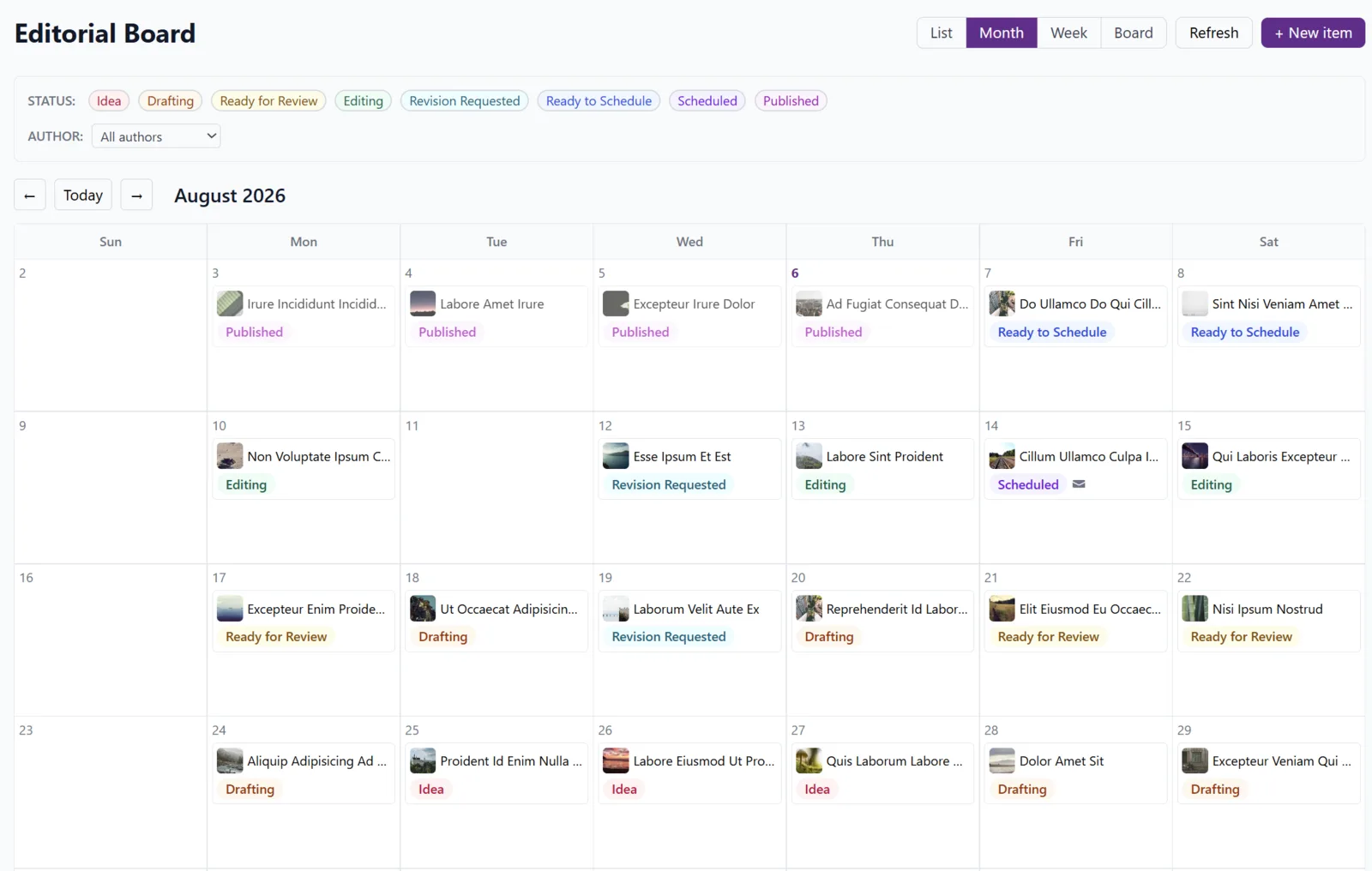
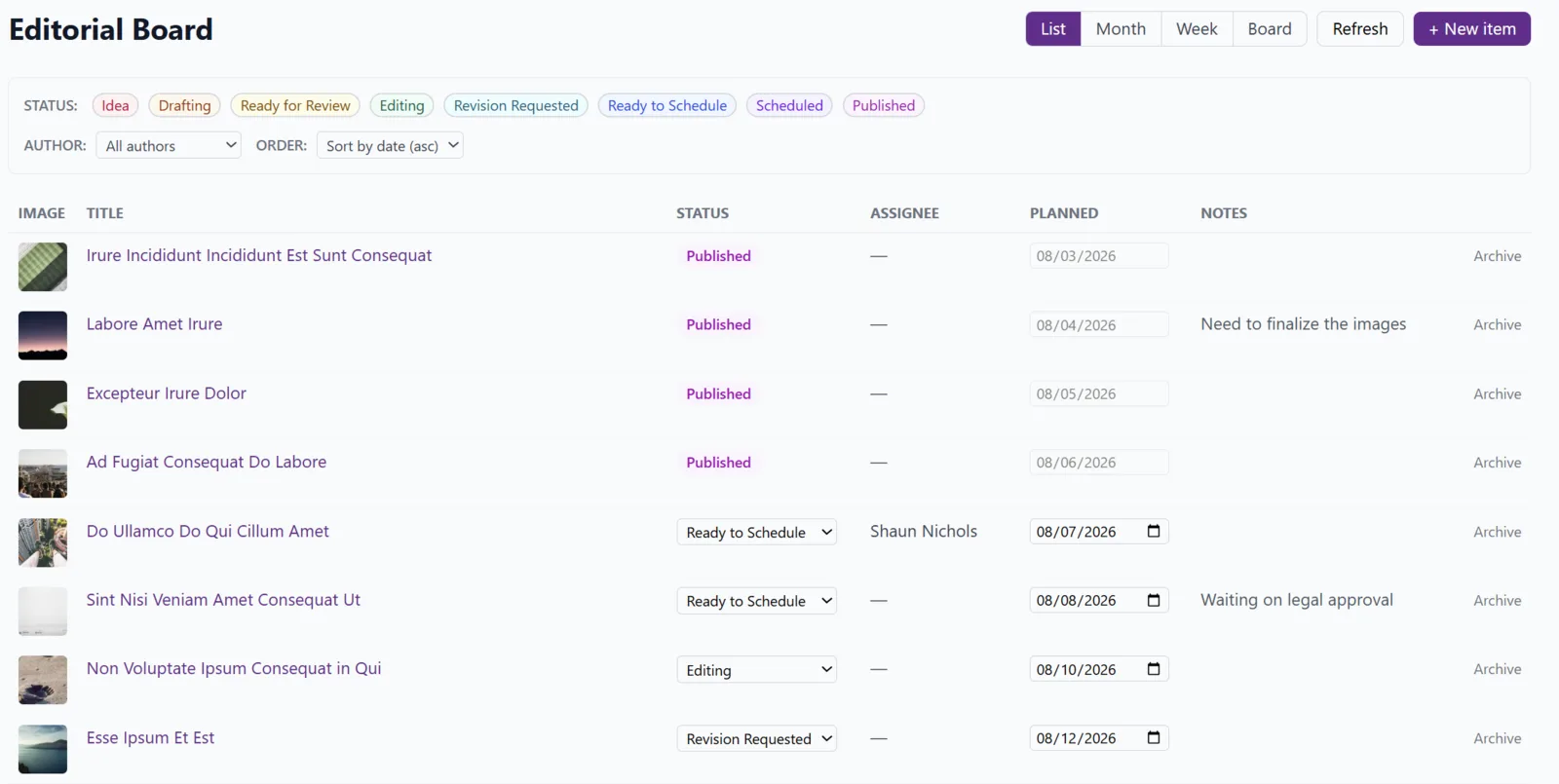
Which view you want depends on the question. Where is everything up to? What's landing next week? Who has the council piece? Same board underneath, four ways in.
What it does
One board, fed by your Ghost site.
Sync up
Ghost posts appear in Editorial Board with titles and featured images attached. Automagic.
Track your ideas, too
Sometimes an idea isn't ready to be a Ghost post. You can record ideas on the board, then later convert them to drafts in Ghost with one click.
Assignments
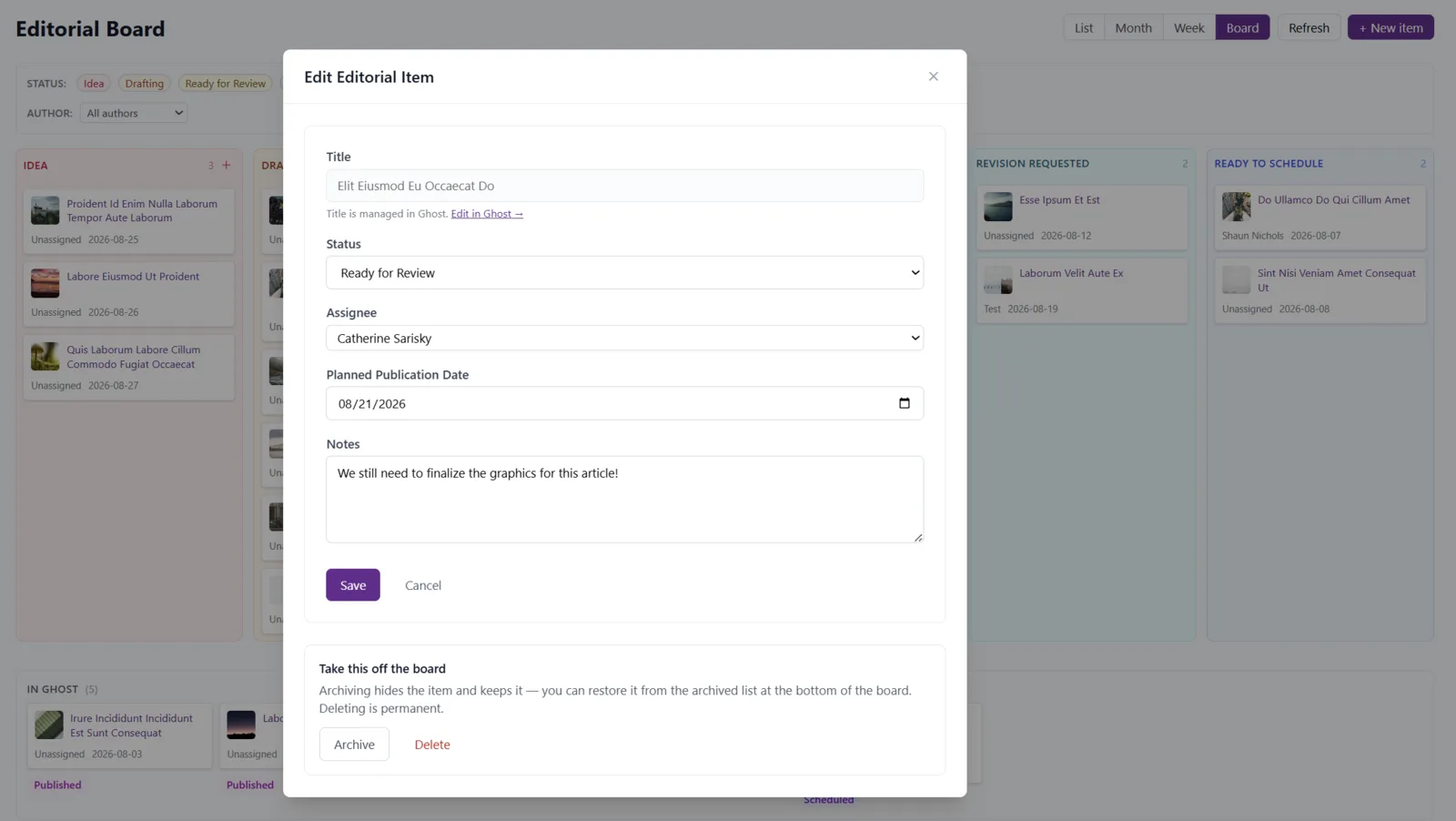
Assign someone to each item. See everyone's tasks at once, or filter by assignee.
Told, not pestered
Subscribe to email notifications when an item changes statuses or hands. Mute anything that feels like noise.
Target dates
Add target dates in Editorial Board for your ideas and drafts. The board updates to actual dates when you schedule or publish in Ghost.
Housekeeping
Finished with something? Archive or delete to keep the board tidy.
Pricing
The Editorial Board is free.
On the free tier with an SWS account — no card, no trial. The bigger tools are on simple, fair pricing when you get there.
Get started free